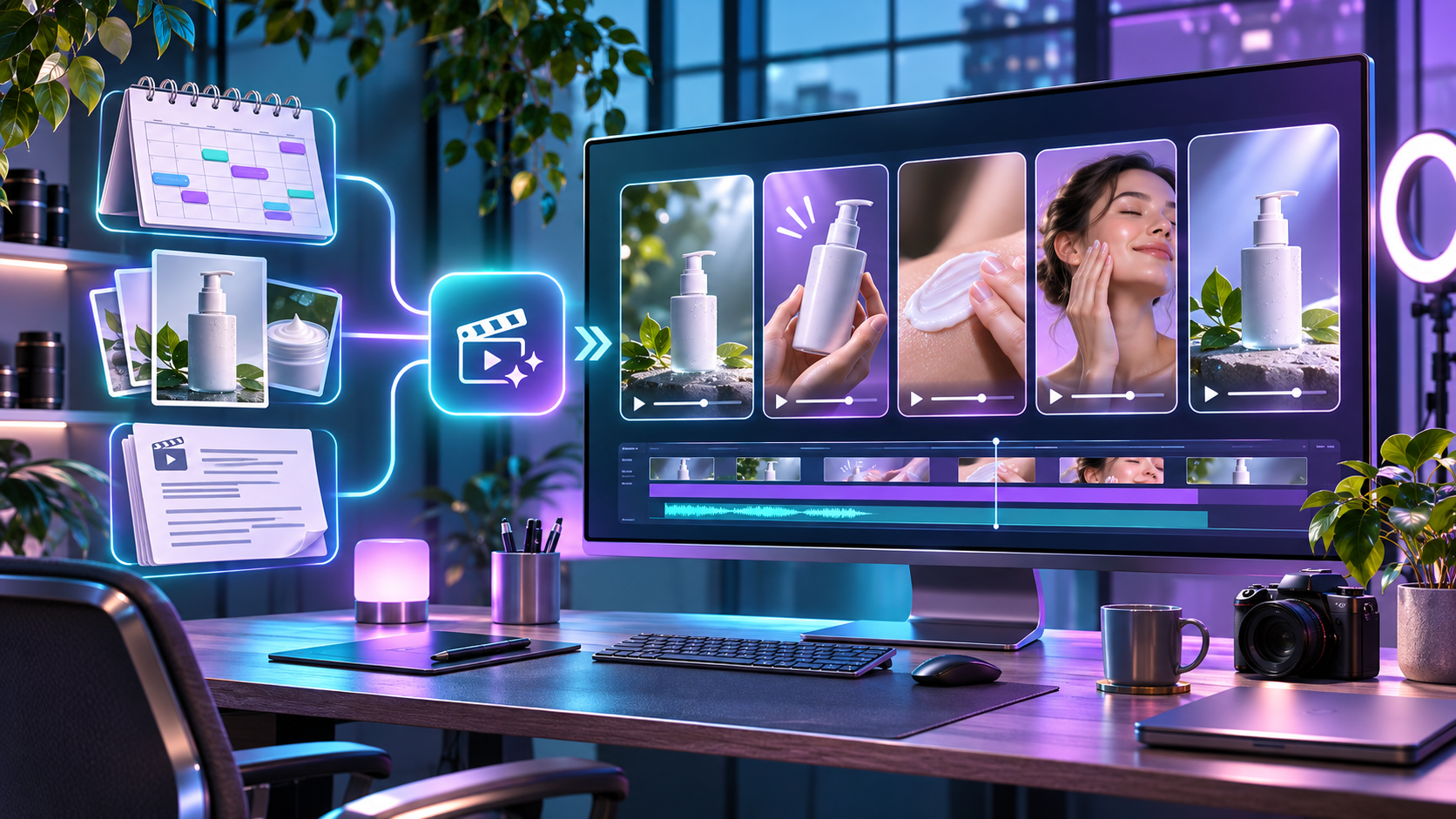
Best Tools for Automated Video Creation (2025)
Automated video creation is about turning ideas, scripts, or data into publish-ready videos with as little manual work as possible. This page focuses on tools that help you scale output while reducing editing time.
For the full ranking of all platforms, see Best AI Video Tools 2025.
What “Automated Video Creation” Really Means
In this context, “automation” is not about making one fancy video. It is about:
- Generating multiple videos from templates or scripts
- Connecting tools to Google Sheets or automation platforms
- Reusing the same layouts while swapping texts, hooks, and CTAs
If you want to see exactly how spreadsheet-driven automation works, read: Google Sheets → JSON2Video Automation and How to Automate 30–50 Videos Per Day.
Top Picks for Automated Video Creation
1. JSON2Video – Best for Programmatic Short-Form
Best for: Creators running a short-form content machine powered by scripts.
- Template-based JSON system for scenes and text
- Connects well with Google Sheets, Make.com, Pabbly, and webhooks
- Perfect for faceless, text-driven short videos
Get JSON2Video (Affiliate) | Read JSON2Video Review
2. CapCut – Best for Fast Visual Editing
Best for: Creators who want quick edits and templates, then layer automation on top.
- Template-driven short-form layouts
- AI captions and visual effects
- Pairs well with AI scripts and B-roll workflows
Get CapCut (Affiliate) | Read CapCut AI Review
3. Runway – Best for Advanced AI Video Effects
Best for: Standout visuals, intros, and clips that need an advanced AI touch.
- Text-to-video and image-to-video capabilities
- Powerful background removal and inpainting tools
- Great for upgrading the look of your automated videos
Get Runway (Affiliate) | Read Runway Review
4. Pika Labs – Generative Clips for Short-Form
Best for: Quick, stylized AI clips that can be used in short-form content.
- Text-to-video with strong stylization
- Useful for hooks, intros, and cutaway shots
- Works well as a clip generator in a broader system
Get Pika Labs (Affiliate) | Read Pika Labs Review
5. Luma / Veo – High-End Generative Video
Best for: Premium, cinematic AI video when you want top-tier visuals.
- More advanced generative capabilities
- Useful for hero clips, brand visuals, and experiments
- Best used selectively inside a larger automation system
Get Luma AI (Affiliate) | Read Luma AI Review
Get Veo (Affiliate) | Read Veo Review
Recommended Automation Stack Examples
Stack A – High-Volume Faceless Shorts
- Scripts stored in Google Sheets
- Automation with Make.com or Pabbly
- JSON2Video as the rendering engine
- Optional polishing in CapCut
Learn the details in: How to Automate 30–50 Videos Per Day.
Stack B – Visual Impact + Automation
- Generate unique clips in Runway or Pika Labs
- Compile and edit them in CapCut
- Reuse formats and templates for recurring series
How to Choose the Right Tool for You
- Maximum volume? Start with JSON2Video + automations.
- Visual polish with less tech? Lead with CapCut.
- A
Leave a Reply